CoC Base Editor
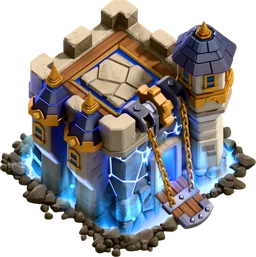 TH18
Remove all…
Pick a building from the list, then click the map to place it.
Scroll or use + / − to zoom; drag to look around once zoomed in. Click a building to select it (Shift-click to select several), drag to move, arrow keys to nudge, Delete to remove. Drag walls out in lines: move sideways to turn a corner.
Need ideas? Browse TH18 base layouts →
How it works
The map is the 44×44 tile village grid, drawn at the game's angle with official building art from the Supercell Fan Kit. Each building takes up its in-game footprint, and the list only offers what your Town Hall unlocks, as many as it allows, at the highest level it allows.
Pick a building from the list and click the map to place it. Walls are drawn like in the game: drag to lay a straight line, and move sideways to turn a corner. Click a wall and use Select row to pick up its whole line (press again for the other direction), then drag, rotate or remove it in one go. Shift-click selects several buildings; arrow keys nudge the selection a tile at a time.
Click a building to see its range; it follows the building while you move it. Turn on Ranges to see every defense's coverage, with the blind spot of Mortars, Scattershots and the Eagle Artillery in red. Remove all clears walls, traps or buildings at once, and Undo brings them back.
Your layout is saved in this browser. Copy share link puts the whole layout in a link anyone can open here. Layouts can't be sent to the game: rebuild them in the game's layout editor.
Data as of Fandom Wiki snapshot (2026-10-22), from the Clash of Clans Wiki; not yet verified in game.